PROJECTS
Refund Management: Applying Refund Policy Accurately
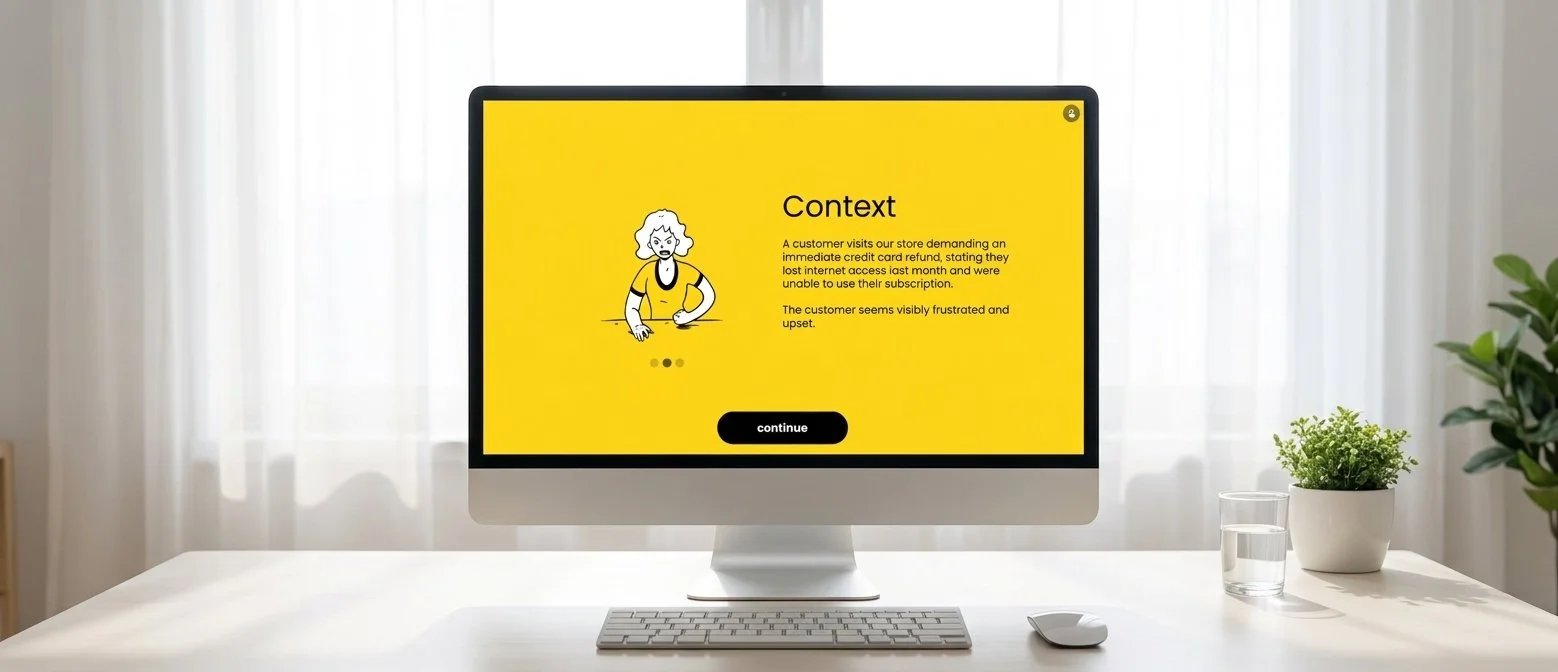
This scenario-based learning module trains customer support reps to evaluate refund requests in line with company policy and to use effective de-escalation techniques. This module was created using Genially, along with other web tools used for the planning stages.
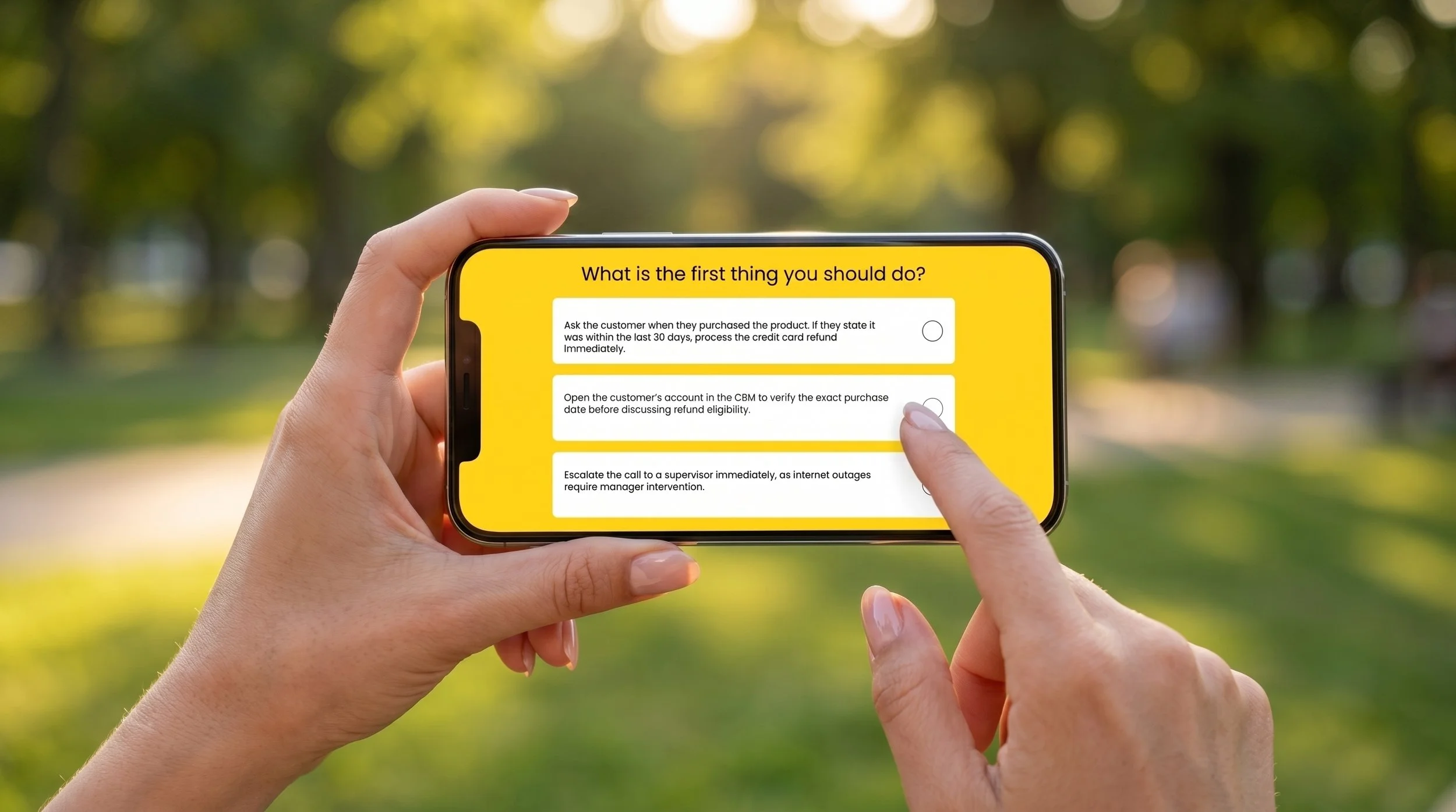
A company’s Customer Support Operations team reported an increase in supervisor escalations regarding refund requests. New support representatives would frequently grant unauthorized cash refunds to avoid upsetting customers or, at the other extreme, flat-out say “no refunds” without offering alternatives. This led to increased customer frustration and negative reviews for the company.
The Problem
I created a scenario-based eLearning experience that simulates a scenario with a “less than polite” customer. This approach allows learners to practice handling real-life challenges and receive feedback on their decisions in a safe, risk-free environment. Scenario-based learning helps reinforce productive habits, boundary-setting, and stress management by showing the real-world consequences of their choices.
The Solution
Process
I followed the ADDIE model (Analyze, Design, Develop, Implement, and Evaluate) to bring this project to life. I utilized action mapping during the analysis phase, built a text-based storyboard in the design phase, and created visual mockups and an interactive prototype during development. Each step kept the solution focused on the learners’ needs and made the experience engaging and realistic.
Action Map
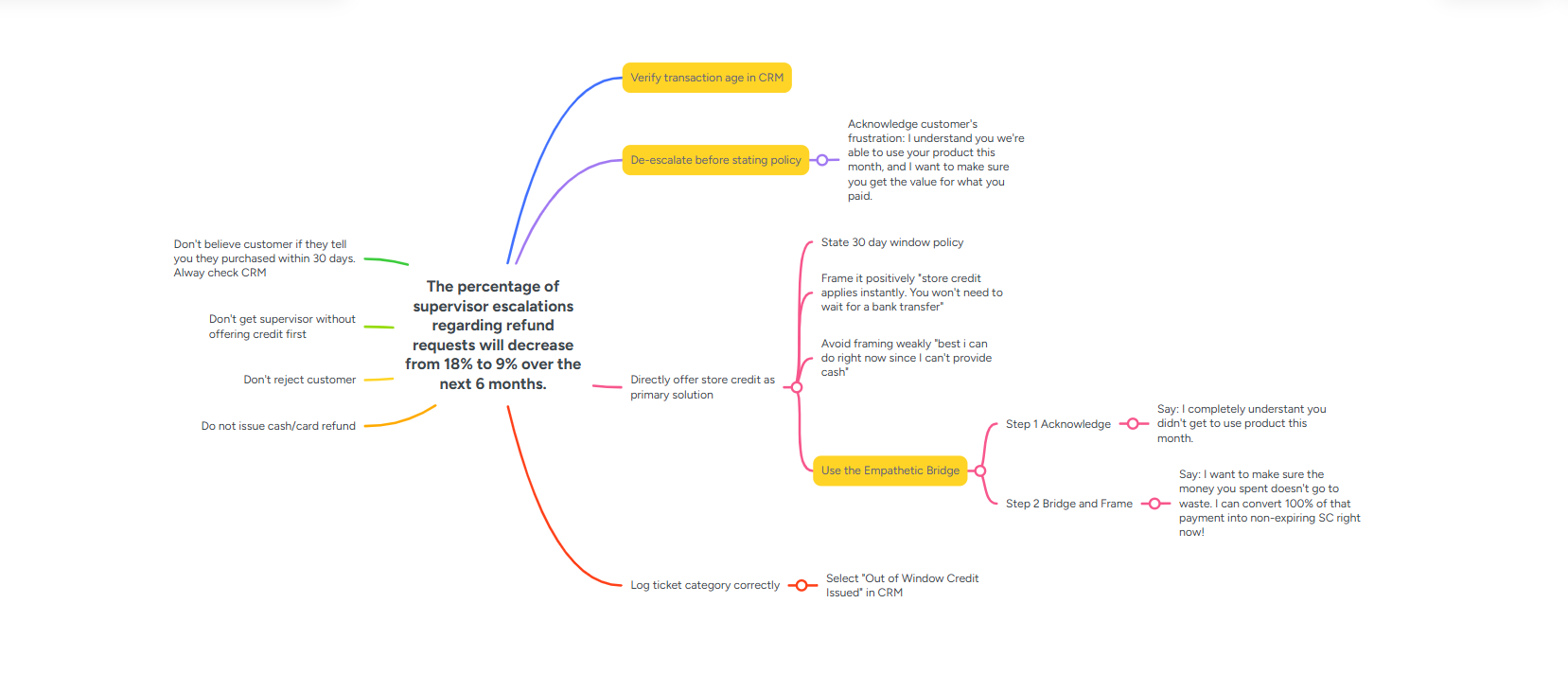
The goal of the training was to help employees improve their de-escalation skills while adhering to company refund policies. I created an action map to focus on what learners need to do rather than just what they need to know, ensuring the training emphasized real behavior changes.
The action map highlighted actions such as de-escalation techniques, verifying transaction ages, and using the Empathetic Bridge. These actions were prioritized because they directly address the root issues that the company is facing. Highlighting them helped keep the training focused on correct habits that lead to policy adherence and satisfied customers.
Text-Based Storyboard
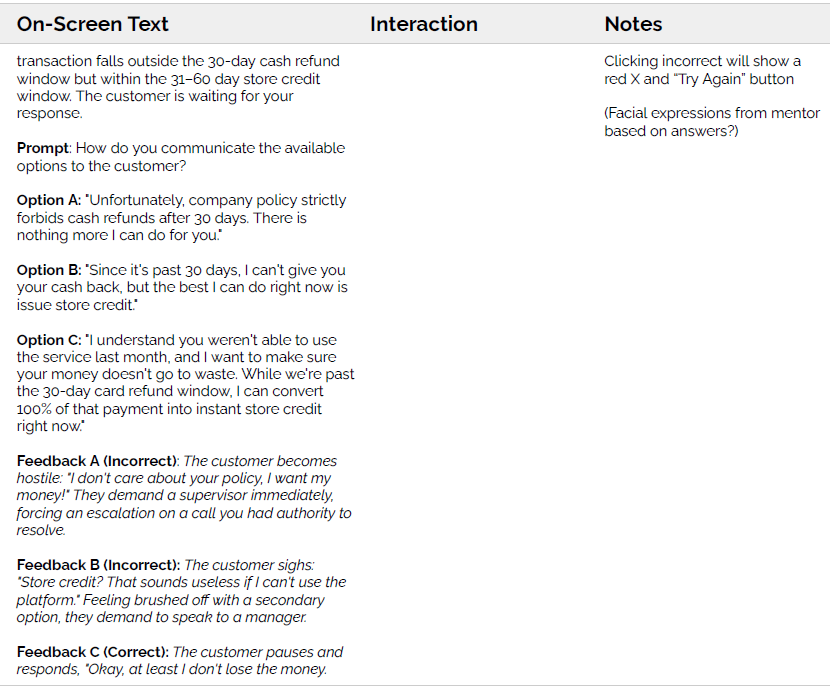
The storyboard served as a blueprint for mapping out each scenario, choice, and consequence. I used the actions identified in the action map to guide the design of realistic, branching scenarios. These scenarios allowed learners to experience the impact of their decisions and provided opportunities to try again if they made mistakes.
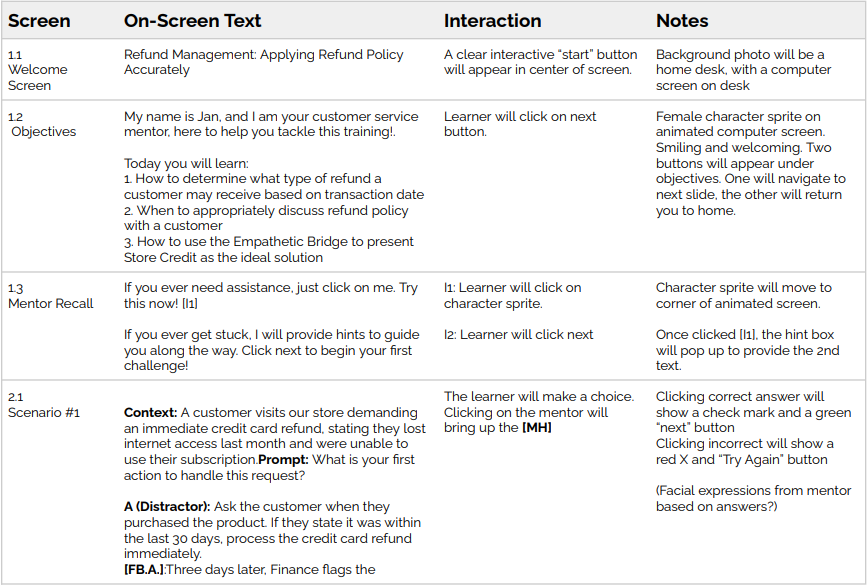
This module was designed as a four-question mastery loop, where each question presents the learner with three choices: one correct action and two distractors.
Correct choices lead to positive outcomes and scenario progression.
Incorrect choices trigger real-life consequences for the company and customer reaction, along with immediate explanatory feedback.
Learners can retry until they make the correct selection.
Because explanatory feedback is key to an effective simulation, I integrated on-demand mentor tips and sensory cues to reinforce correct decisions. To enhance engagement, I followed Mayer’s personalization principle, using a conversational tone and a variable to insert the learner’s name at key moments in the simulation to create a sense of social presence.
Visual Mockups
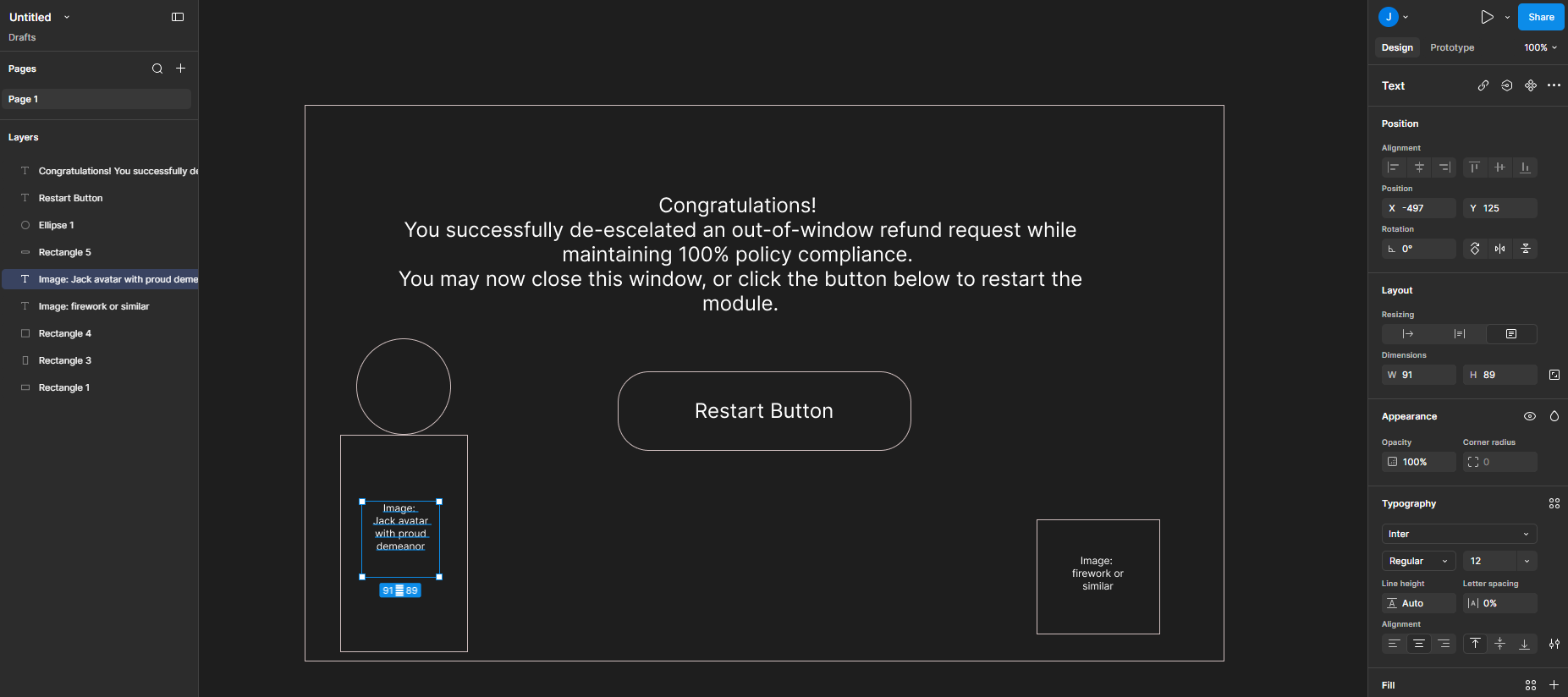
Finally, I used Figma to develop multiple wireframes and mockups for each type of slide that would appear in the eLearning to plan an intuitive interface for learners. I iterated on the static graphic elements in Figma and refined them through peer and mentor feedback.
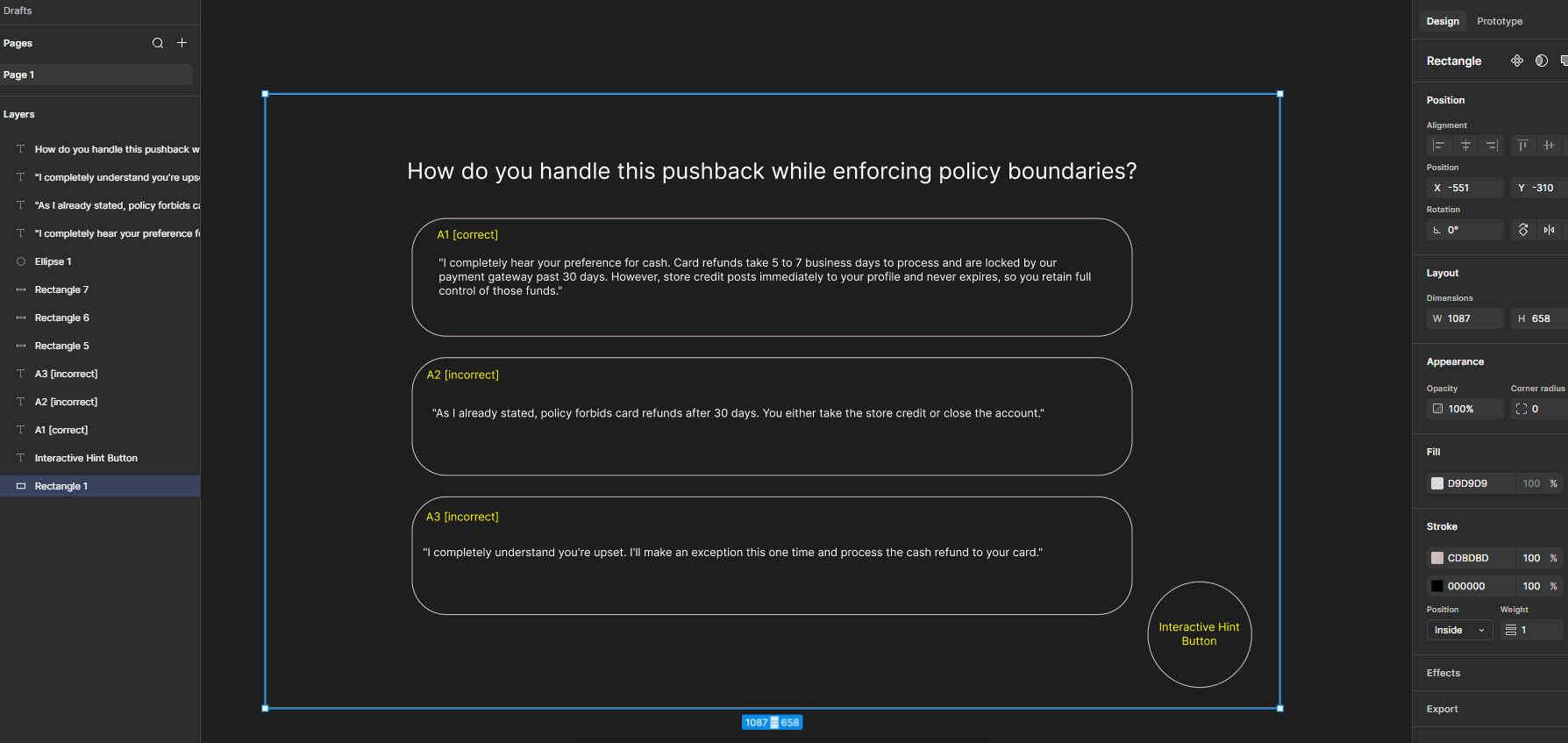
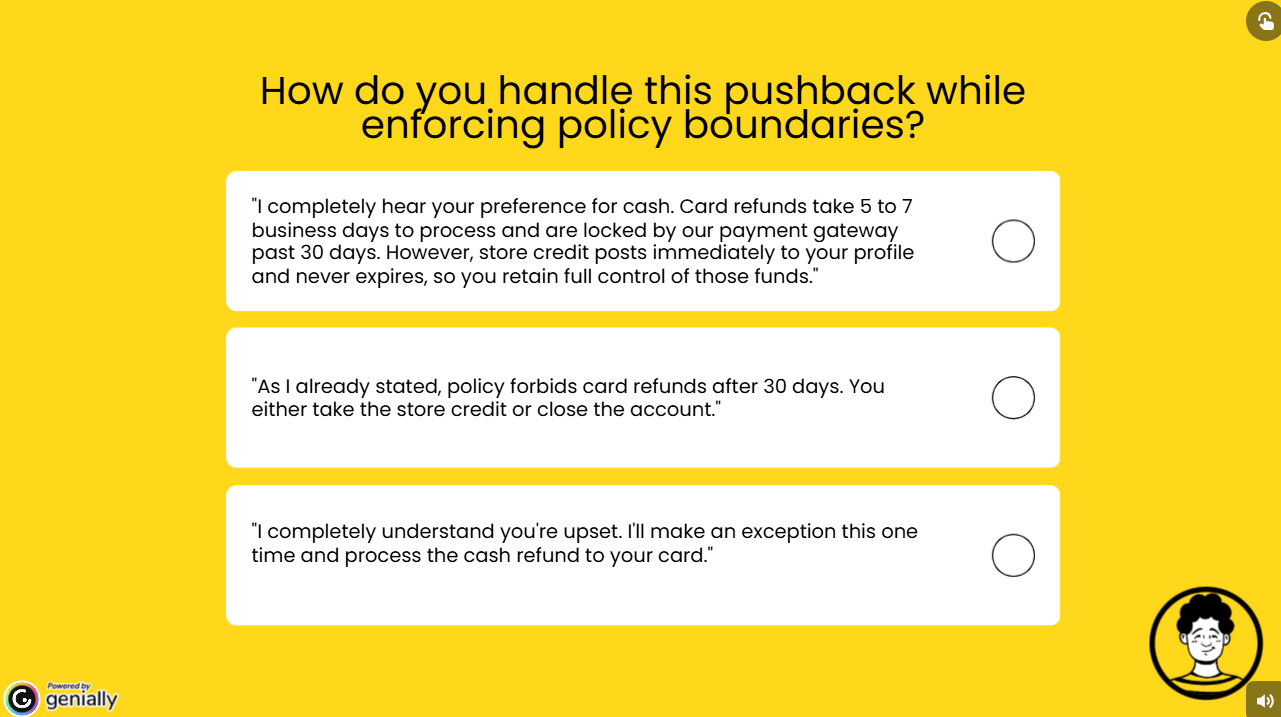
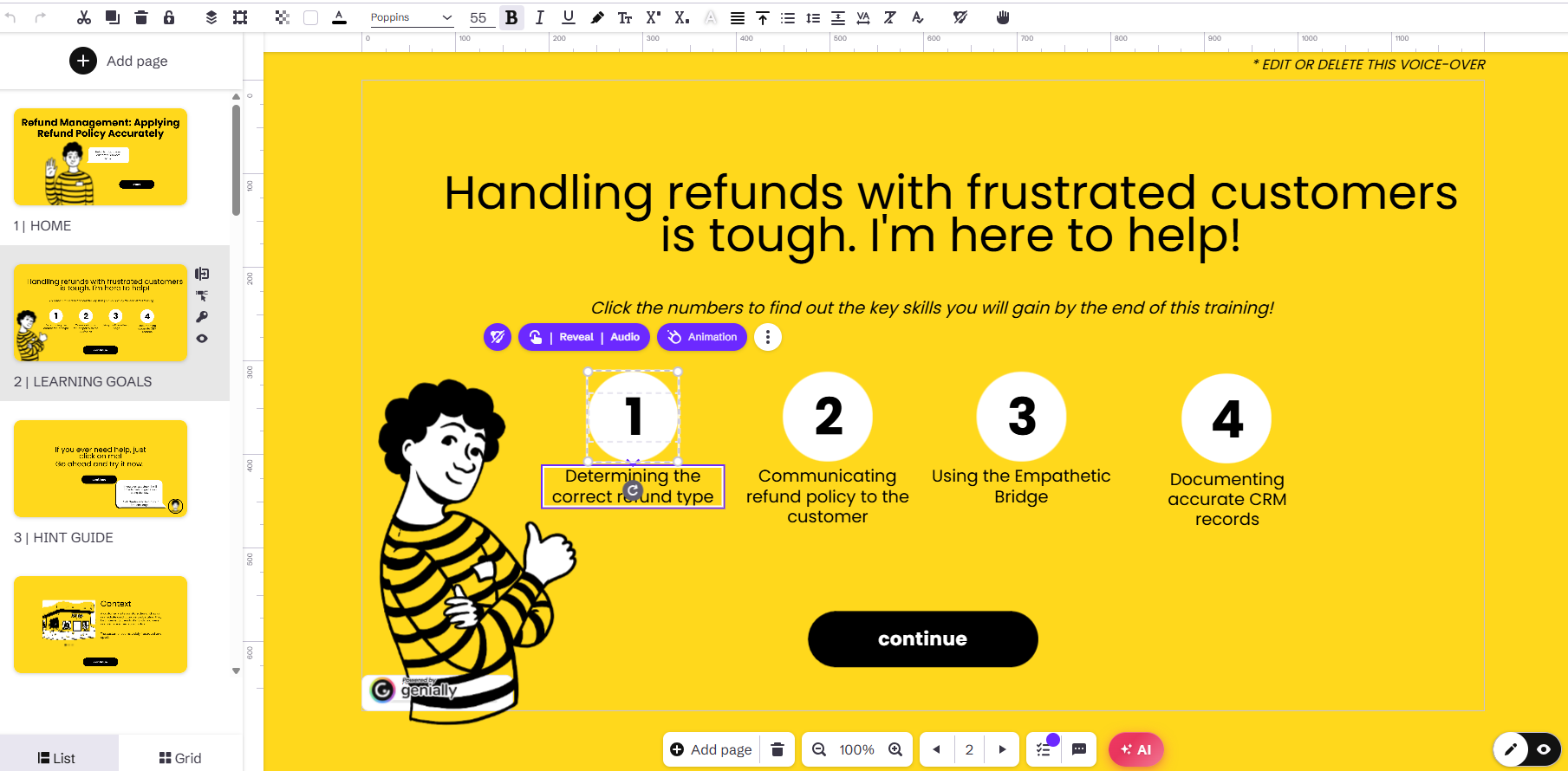
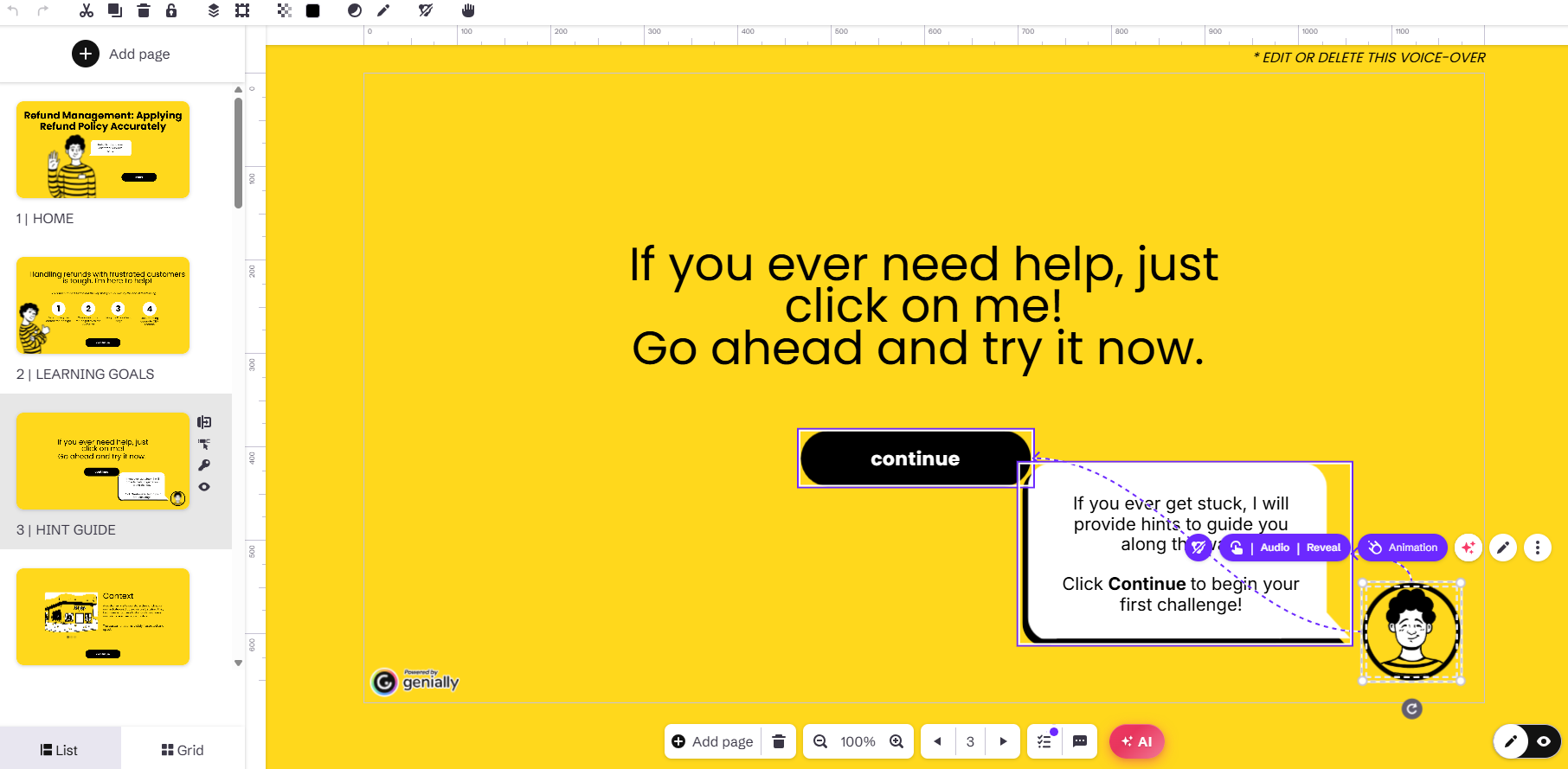
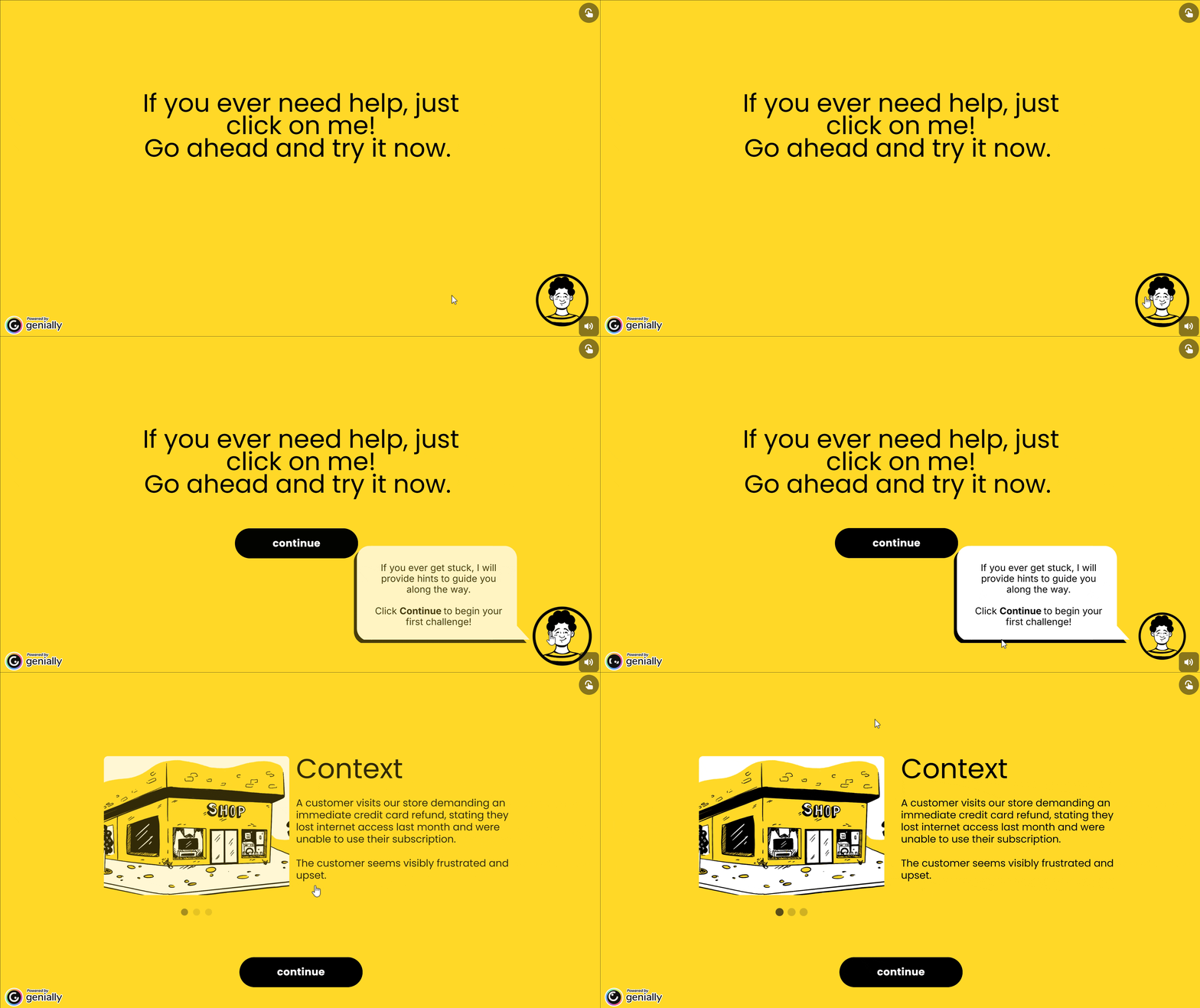
To test functionality and gather feedback, I developed an interactive prototype in Genially featuring the first and second scenario-based questions and fully functional interactive elements, including buttons, mentor support and feedback mechanisms.
Stakeholder feedback is crucial to ensure the design is engaging, intuitive and aligned with real-world customer services situations before moving into full development. Feedback from the SME leads to small but meaningful adjustments.
Interactive Prototype
Full Development
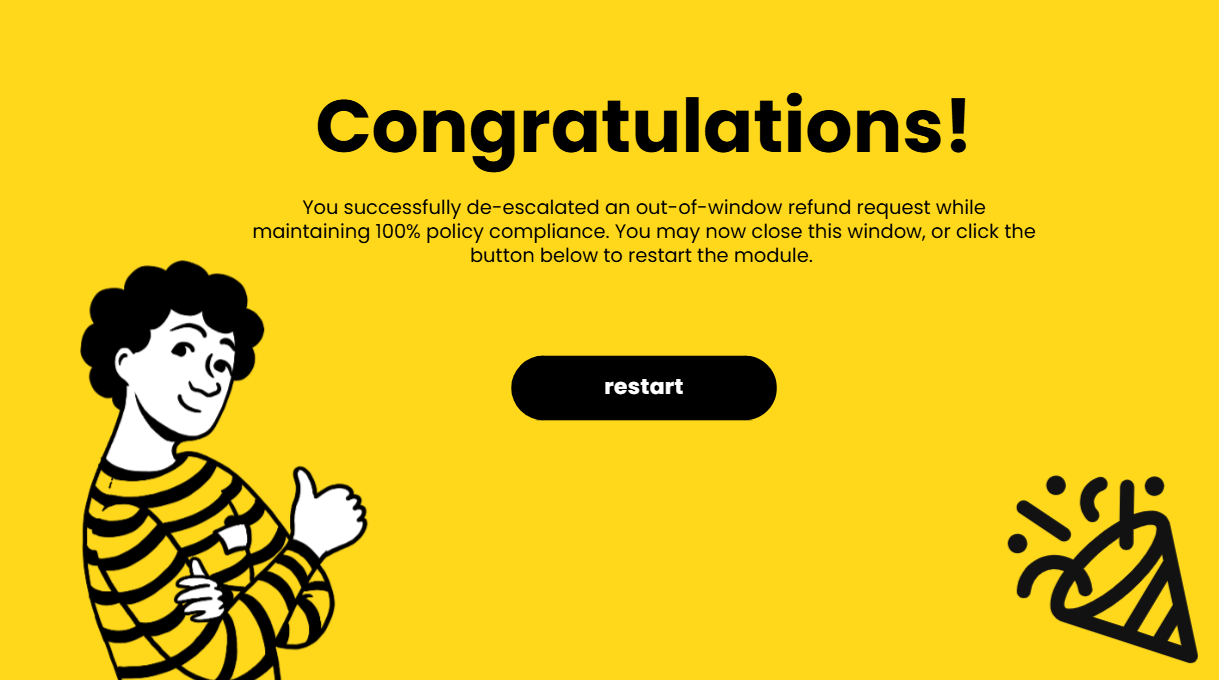
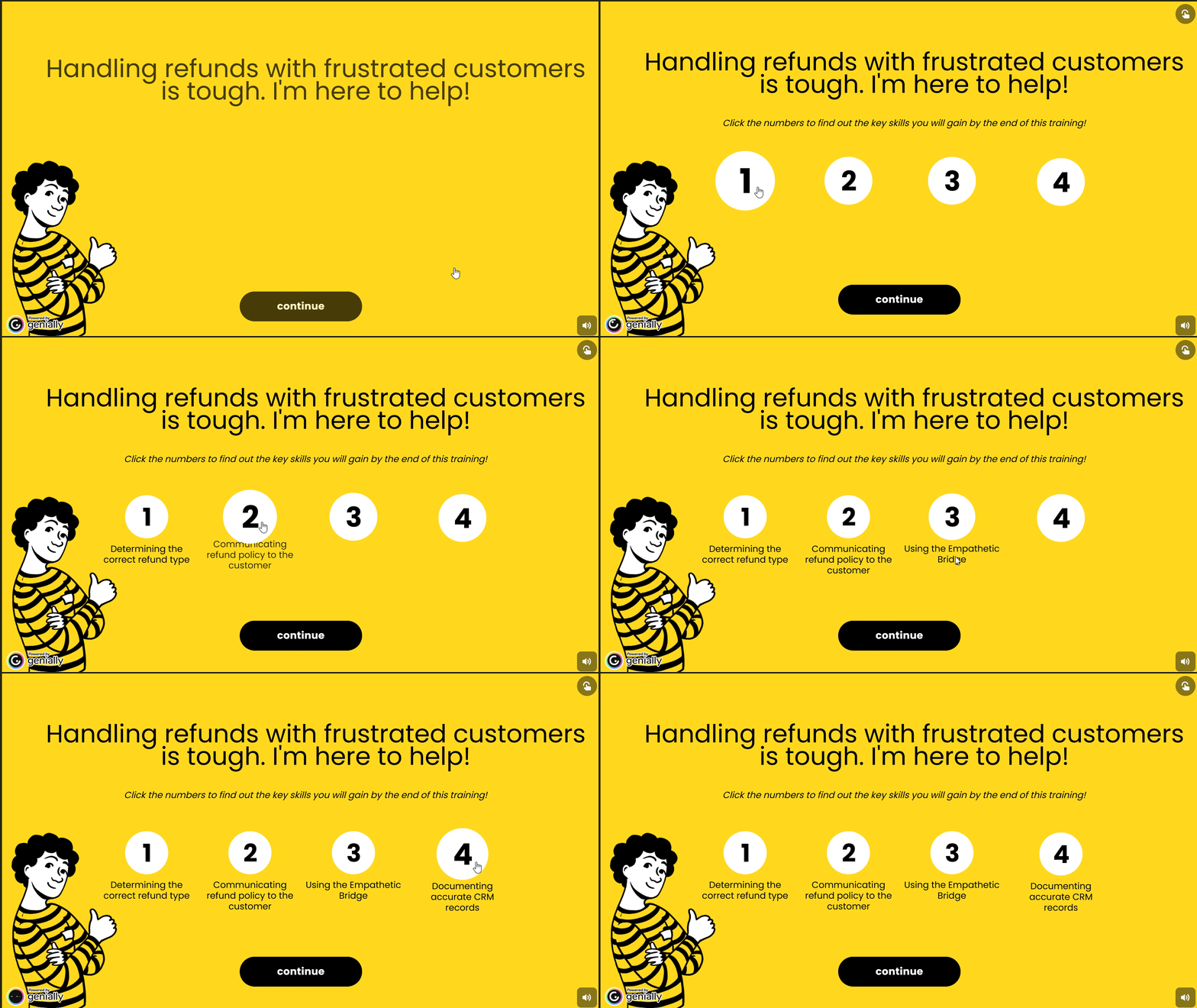
After applying feedback, I developed the final product with realistic scenarios, clear choices, and optional mentor guidance to support decision-making. Since this is a concept project, there were no formal results. However, I conducted informal user testing by sharing the prototype with my mentor and peers to gather feedback on the experience. Based on this feedback, I made several adjustments, such as refining slide transitions and removing the productivity and stress meters to keep the design clean and focused.
Takeaways
Since this is a concept project, the next step in the process would be to conduct user testing to gather feedback from remote professionals and make iterative improvements based on their experience.
One key takeaway from this project is the importance of creating immersive, real-world scenarios that allow learners to practice decision-making in a safe environment. Additionally, balancing autonomy with on-demand support from a mentor character helps reinforce key behaviors without overwhelming the learner. These insights will guide my future projects, ensuring they are both engaging and practical for diverse audiences.
Let’s connect.
Complete the quick form, and I will personally respond to begin discussing ideas tailored to your goals.